Data Should Drive Decisions, Not Sit in Spreadsheets
Excel and Google Sheets are excellent tools, but the problem begins when dozens of spreadsheets become the organization’s entire information architecture.
Excel and Google Sheets remain extremely useful data tools. The problem is not spreadsheets themselves. The problem begins when spreadsheets become the information architecture of the entire organization.
Sales maintains one file. Finance uses another. Programme teams work in a third. Forms generate separate datasets. CRM contains additional information. Management then waits every month while somebody manually combines everything into a report.
Start by connecting the sources
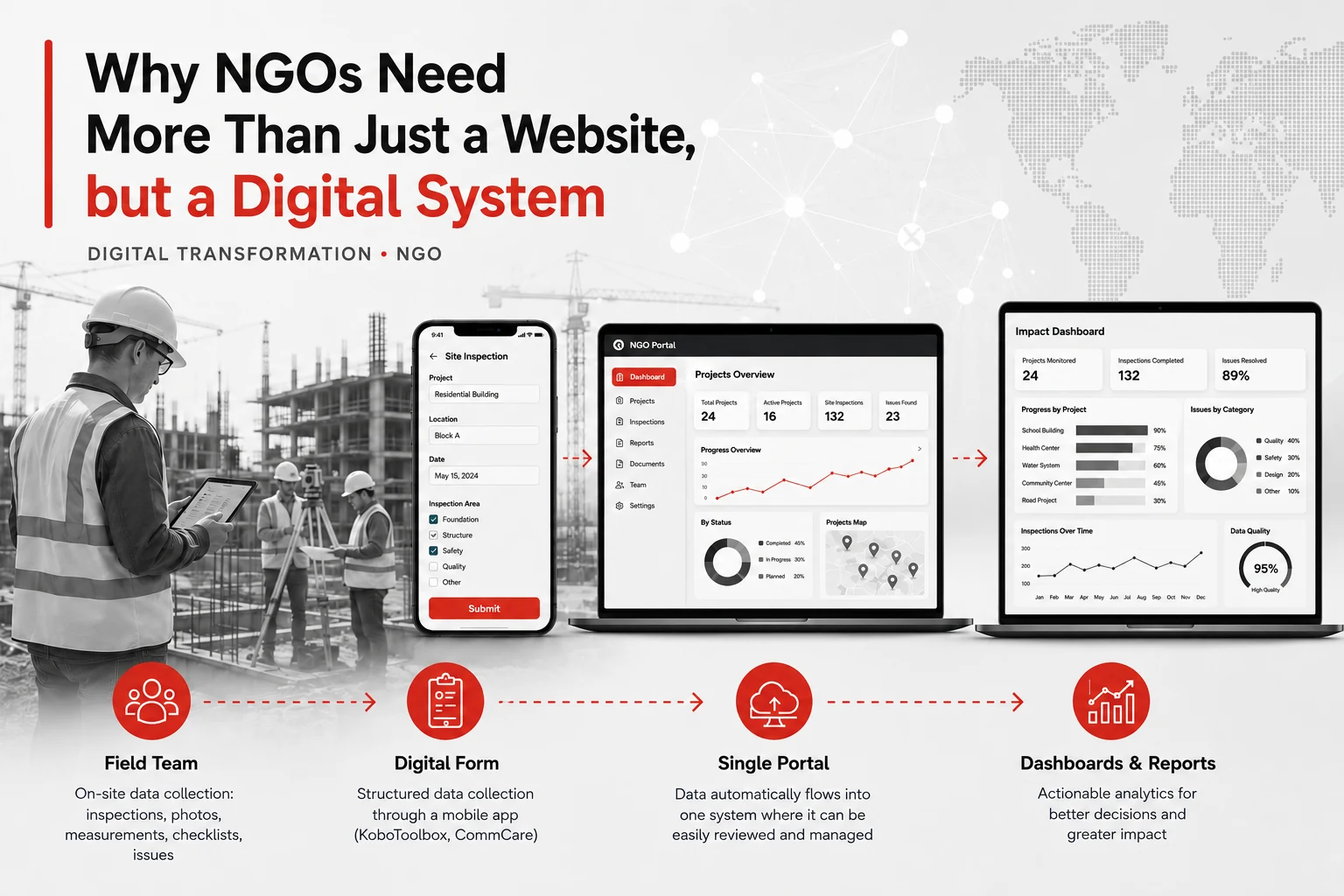
Business and programme data may come from Excel, Google Sheets, CRM, ERP, KoboToolbox, Google or Microsoft Forms, SQL, accounting systems, APIs, and other corporate platforms.
The objective is not to eliminate these tools. It is to create a reliable system between them.
Build one data model
Before building the dashboard, organizations usually need to clean the data, standardize structures, establish common reference lists, remove duplicates, define KPI calculations, and build a consistent data model.
Only then can Power BI or another BI platform provide a reliable picture.
Analytics is not the final chart
The value of BI is not the visualization itself. The real value appears when analytics influences Strategy → Operations → Resources → Results.
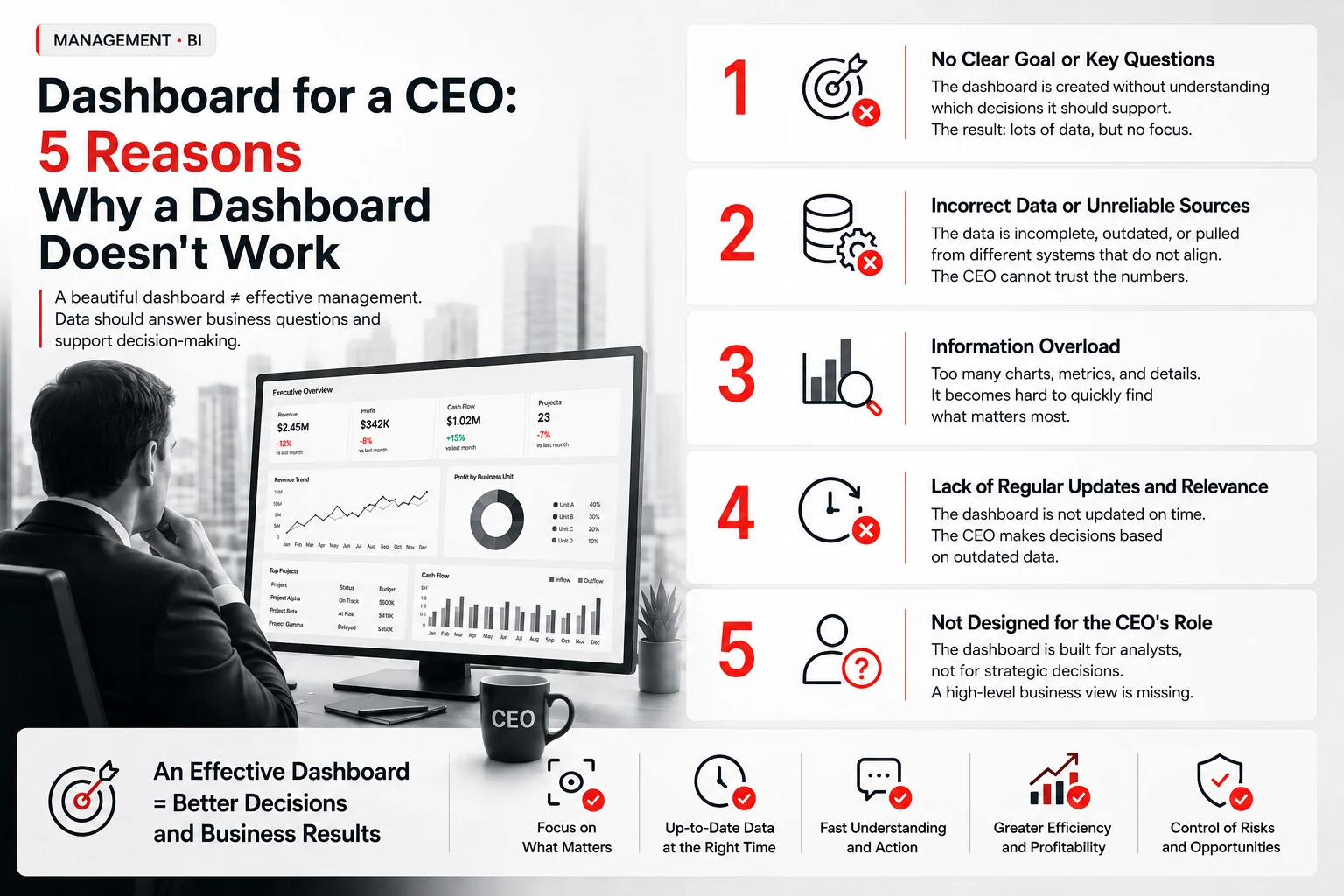
A manager should see more than a number. They need context: Is performance on target? What has changed? What caused the change? Where are the exceptions? Where is action required?
From data to decisions
A mature data environment follows a simple sequence: 1. Collect → 2. Process → 3. Store → 4. Analyze → 5. Decide.
Spreadsheets remain useful. They simply stop being the final destination. Data starts working.